Use Case
Task Calendars for Process Automation
Connect TaskCalendars' smart scheduling to your automation stack — fire webhooks to Zapier, Make, n8n, or custom APIs on business-day-aware schedules that cron jobs can't match.

Smart Triggers for Automation Workflows
Your automation tools are powerful — but their scheduling is basic. Zapier runs zaps on fixed intervals. Make triggers scenarios on a timer. Neither understands that your invoice reminder should go out on the 3rd business day, not the 3rd calendar day. Neither skips holidays or adjusts for weekends.
TaskCalendars bridges this gap. Define your schedule using business-day-aware rules — relative to month-end, quarter-close, pay periods, or any custom calendar. When the calculated date arrives, TaskCalendars fires a webhook to your automation tool, triggering the workflow at exactly the right moment.
Universal Webhook Integration
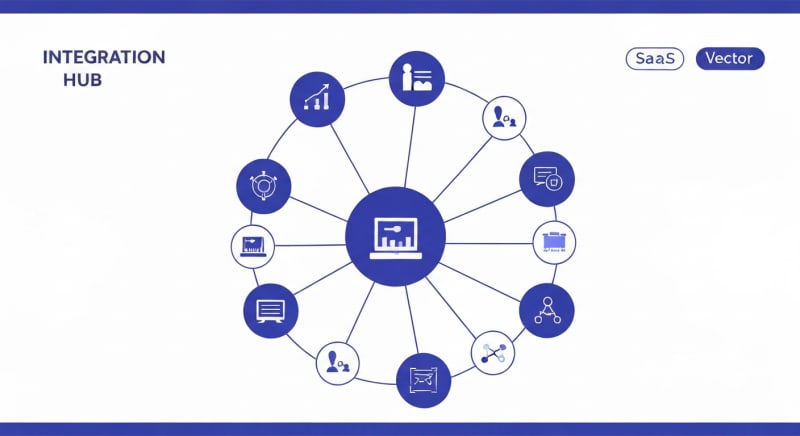
TaskCalendars works with any tool that accepts HTTP webhooks — which is virtually every modern automation platform. Zapier, Make (Integromat), n8n, Power Automate, Tray.io, Workato, or your own custom API endpoints. Set the webhook URL, configure the payload, and attach it to a smartly-scheduled task.
Each webhook notification includes task context — the task name, due date, period, assignees, and any custom metadata. Your automation workflows receive rich context to make intelligent decisions, not just a bare trigger signal.
Business Process Scheduling
Recurring business processes follow business calendars, not UTC clocks. Vendor payment reminders go out three business days before due date. Client report generation starts on the first working day of each month. Compliance notifications fire five business days before regulatory deadlines. These schedules are trivial to express in TaskCalendars and impossible in standard cron.
Define each process as a recurring task with webhook notifications. TaskCalendars calculates the correct trigger dates for every period — accounting for holidays, weekends, and custom business calendars — and fires your automations on schedule. When the business calendar changes, the trigger dates update automatically.
API-Driven Schedule Management
Use TaskCalendars' API to programmatically create, update, and manage webhook schedules. Build self-service portals where teams define their own automation triggers without touching code. Integrate schedule management into your existing DevOps or IT service management workflows.
Combine scheduled webhooks with TaskCalendars' progress tracking and task certification features to build end-to-end automated workflows with human checkpoints. Trigger an automation, track its completion, require sign-off from a manager, and schedule the next step — all orchestrated through TaskCalendars' smart scheduling engine.
More Use Cases
Explore Features
Automate on Your Business Calendar
Stop fighting with cron expressions. Let TaskCalendars handle the scheduling intelligence so your automations fire when business logic demands.